

I have worked dozens of weddings where the couple decided to skip a professional DJ. Some went smoothly. Others turned into a mess of dead batteries, awkward silences, and guests fighting over a phone. The difference was not luck. It was preparation.
If you are searching for wedding music without a dj, you have already decided that the cost or the vibe of a hired DJ does not fit your day. That is a valid choice. But you need to replace three things a DJ actually does: curate and play music, manage the audio equipment, and act as the master of ceremonies. This guide walks you through each one so your day sounds as good as it looks.
What a DJ Actually Does (and Why You Need to Replace It)
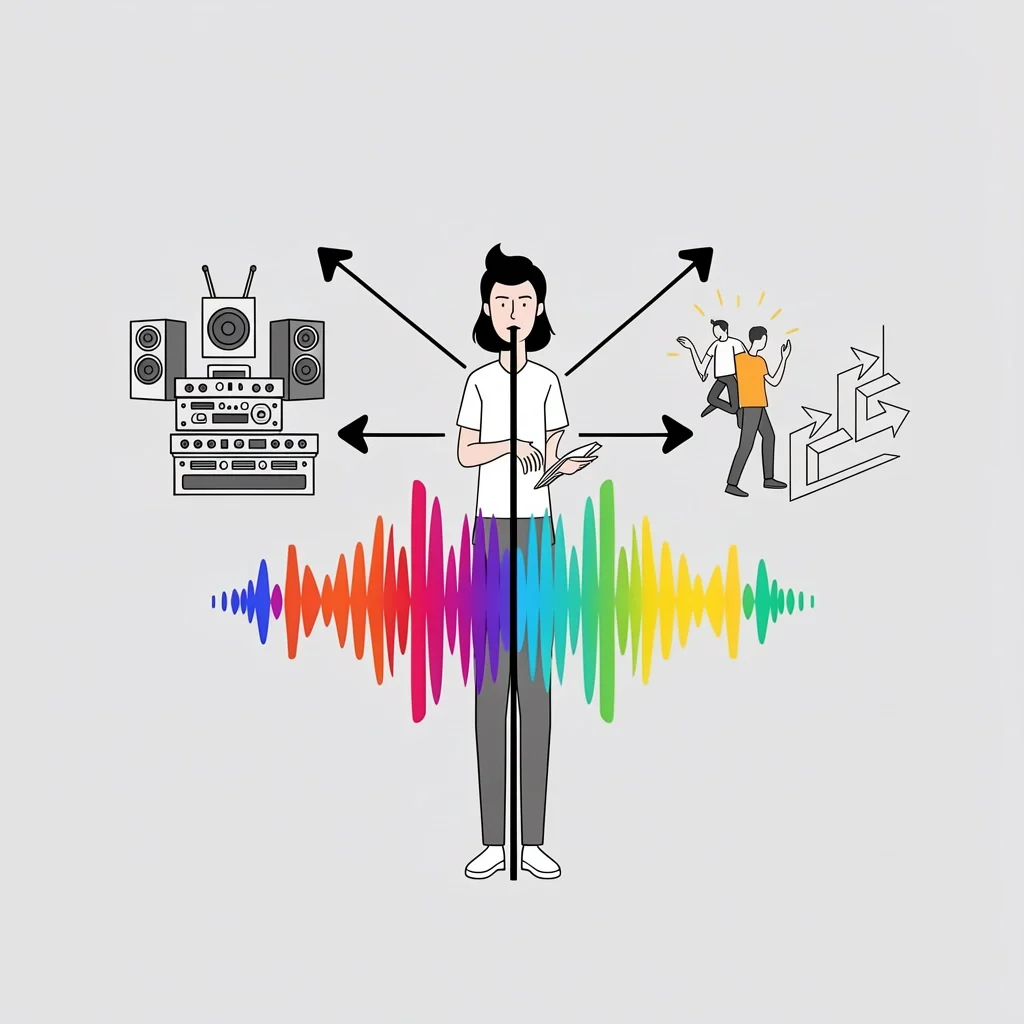
Most people think a DJ just pushes play on a laptop. In reality, a good DJ fills three roles that most couples do not notice until they are gone.
Role 1: Audio and Visual Equipment Manager
The DJ brings speakers, microphones, cables, and often lighting. They know how to set up for the size of your room, avoid feedback, and adjust levels on the fly. If you skip a DJ, you become responsible for this. Venue sound systems are often underpowered or unreliable. I have seen ceremonies where the officiant’s mic cut out mid-sentence because the venue’s wireless system ran on old batteries. That is not a risk you want to take.
Role 2: The Cat Herder
Guests need direction. When should they sit? When is the toast? Where do they go for the first dance? A DJ provides these cues naturally. Without one, you need someone else to take the microphone and keep the evening moving. This person must be confident, clear, and not a member of the wedding party.
Role 3: The Energy Reader
A playlist cannot see the dance floor. If people are loving a slow song, a real DJ extends it. If the energy dips, they change the tempo. No algorithm can replace that intuition. If dancing is important to you, this is the hardest role to replicate.
When DIY Wedding Music Works Best
Based on my experience, wedding music without a dj works well when:
- Your guest count is under 50.
- You have a small or no dance floor.
- Your budget for music is under $500.
- You have a reliable friend who can handle the tech.
If you have a large wedding, high dance expectations, or a complex venue with multiple rooms, hiring a DJ is usually worth it. But for small, casual, or outdoor celebrations, DIY music can be perfect.
The Three Pillars of a DIY Music Wedding
To pull this off, you need to master three areas: music selection, sound equipment, and MC duties. Each is equally critical.
Pillar A: Music Selection and Playlist Architecture
Making a playlist is not enough. You need a playlist for every segment of the day, structured with intention.
- Ceremony playlist – Three songs max: prelude, processional, and recessional. Each song should have a clear start and end point. Download them to a device and test the transitions.
- Cocktail hour playlist – Upbeat but not dancey. Think acoustic covers, jazz, or indie folk. Keep the volume at conversation level.
- Dinner playlist – Soft background music that does not compete with speeches. Lower volume than cocktail hour.
- First dance and special moments – These should be separate tracks, not part of a continuous playlist. Assign a dedicated person to start and stop each one.
- Dance floor playlist – This is where you need to engineer energy. Start with a slower track, build to medium tempo, then hit a peak with crowd favorites. Insert a short lull (a slow song) and then a second peak. Use crossfade settings of 3-5 seconds on your music app to avoid gaps.
Pay attention to BPM (beats per minute). Songs that are too different in tempo can kill momentum. You can find pre-built BPM playlists on Spotify to use as a base.
Pillar B: Sound System and Technical Setup
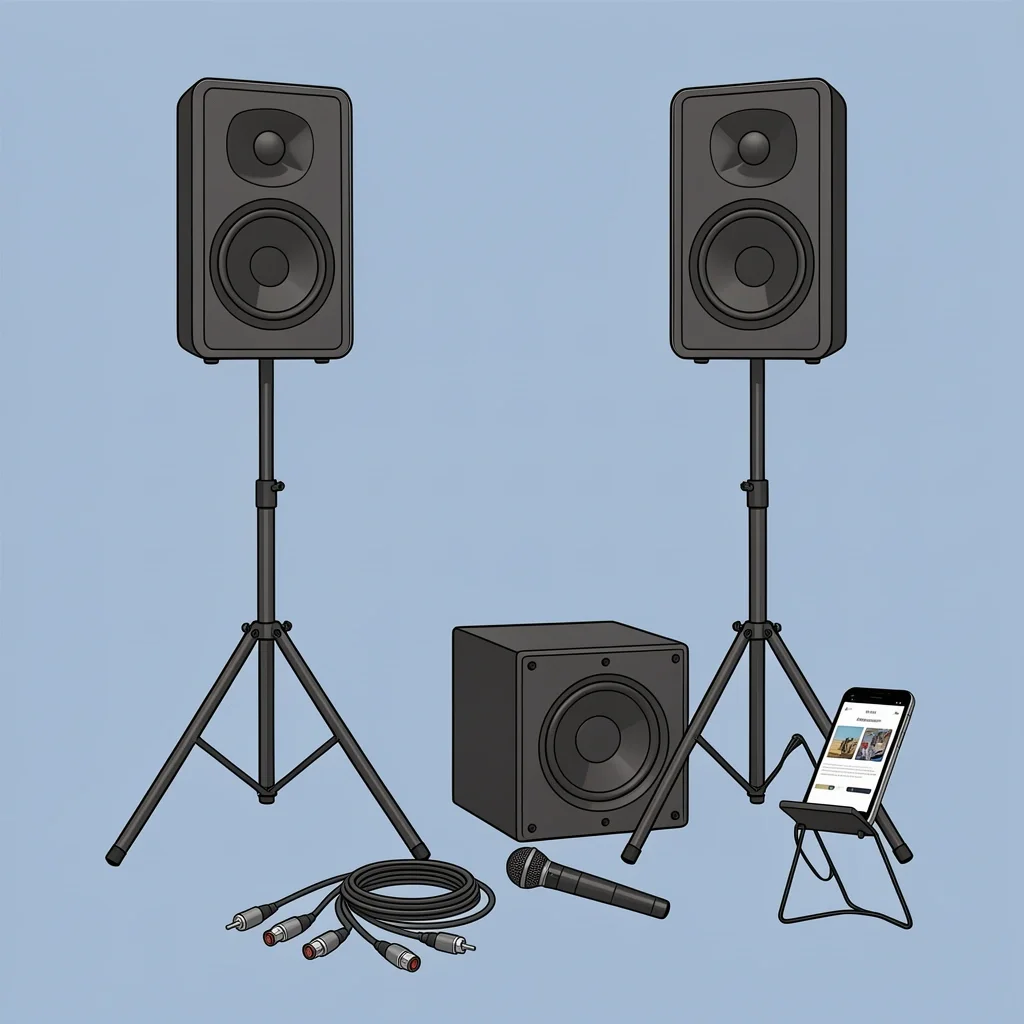
This is the biggest gap in most online advice. A single Bluetooth speaker is not enough for 80 guests. Here is what you actually need.
| Guest Count | Recommended Setup | Estimated Cost |
|---|---|---|
| Under 30 | One powered speaker (like JBL EON) + phone on airplane mode | $200–$400 |
| 30–70 | Two powered speakers on stands + subwoofer (optional for bass-heavy music) | $500–$800 |
| 70–100 | Two powered speakers + subwoofer + wireless microphone kit | $800–$1,200 |
| Over 100 | Rent a professional PA system with a small mixer | $1,000+ |
Do not forget these items:
- Speaker stands (so sound projects over heads)
- XLR cables (not auxiliary cables – they are more reliable)
- Extension cords and power strips
- Backup battery pack for your device
- A second device with the same playlists downloaded (in case the first dies)
- Wireless microphone for the officiant and MC
Test the entire setup at the venue during the rehearsal. Walk to the farthest corner of the room and check if you can hear clearly. If your venue has a wall of windows or high ceilings, sound will behave differently. Plan accordingly.
Pillar C: The MC (Master of Ceremonies)
Your MC is not just a person with a microphone. They are the traffic director of your evening. This person should be:
- Comfortable speaking to a crowd
- Not in the wedding party (so they stay focused)
- Willing to practice the timeline with you
Give them a script with exact cues: “At 6:00, say ‘Welcome everyone, please take your seats.'” Include timestamps and ad-lib suggestions. They also need a list of songs and when to start each one. Most importantly, they need a phone with alarms set for every major transition (toasts, cake cutting, first dance).
I recommend using the officiant as MC if they are comfortable with it. They already have the room’s attention and a natural authority.
Your 7-Step Implementation Plan
Follow these steps in order. Do not skip any.
- Audit your venue. Ask if they have existing sound equipment. Check noise restrictions and power outlet locations.
- Choose your music platform. Use Spotify, Apple Music, or Amazon Music offline. Download everything. Put the device on airplane mode during the wedding.
- Build segmented playlists. One per segment, clearly labeled. Include timing notes.
- Rent or buy your equipment. Use the table above as a starting point. Rent from a local audio store if possible – they often include setup advice.
- Assign your music operator. This is the person who presses play and adjusts volume. Give them a one-page cheat sheet: fade technique, volume levels, when to stop.
- Assign your MC. Provide the script and run through it together at the rehearsal.
- Test everything at the venue. Do a full rehearsal with the sound system. Simulate a disaster: what if the playlist stops? Have a plan (second device ready to take over).
The Tech Reality Check
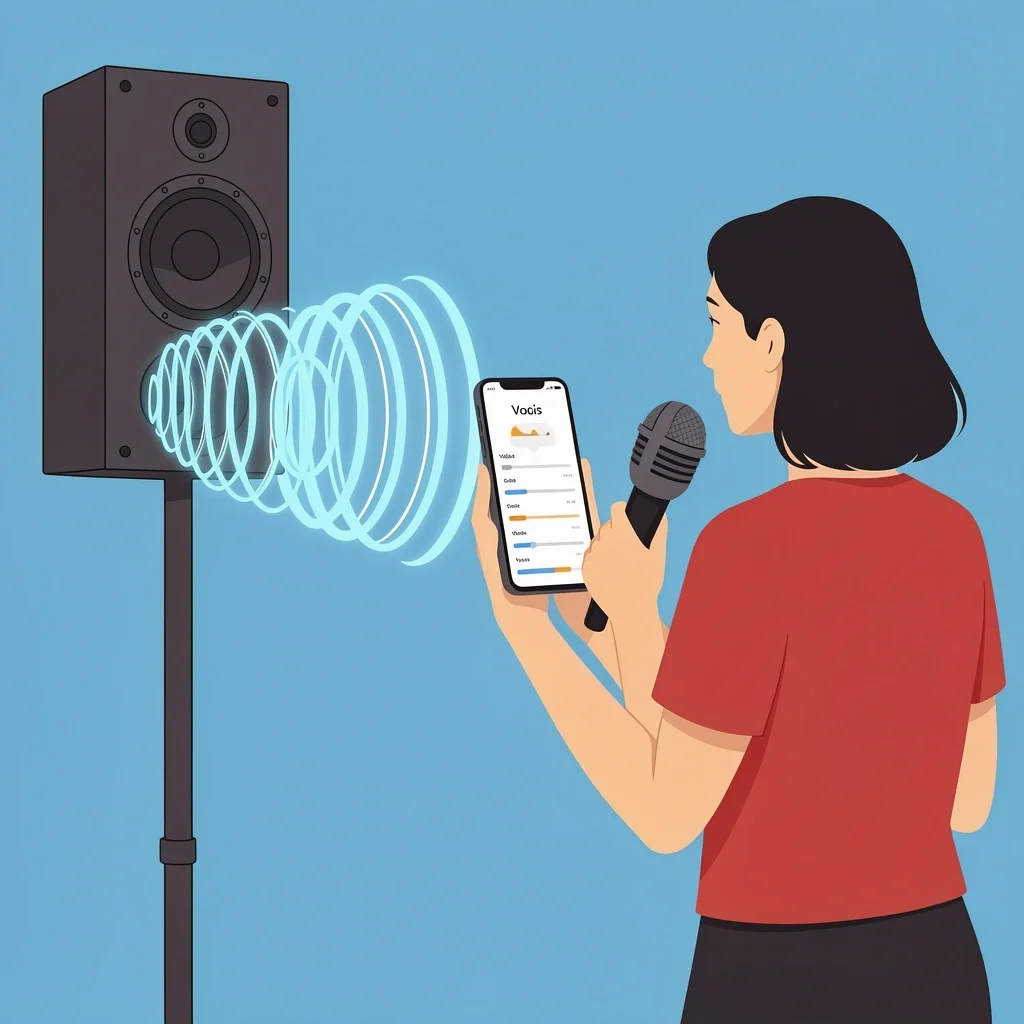
I have seen too many couples trust a single JBL speaker for 100 guests. The result: people in the back cannot hear the vows, and the dance floor feels flat. Here is what you need to understand about sound.
Speaker impedance matters. If you use a passive speaker, you need an amplifier. Most small Bluetooth speakers are not designed for large spaces. Powered speakers with built-in amplifiers (like QSC K-series or JBL EON) are the safest bet for a wedding.
Feedback loops happen when the microphone is too close to the speaker. To avoid this, place the speakers in front of the microphone, not behind it. If you hear a high-pitched squeal, lower the mic volume immediately.
Your music operator must know how to fade. Never hit pause abruptly. Lower the volume over 3-4 seconds, then stop the track. This is especially important during the ceremony – a sudden silence sounds like a mistake.
But beyond the technical details, understanding the emotional symbolism of wedding music can add a layer of personal significance to each song you choose.
The Reddit Hall of Shame
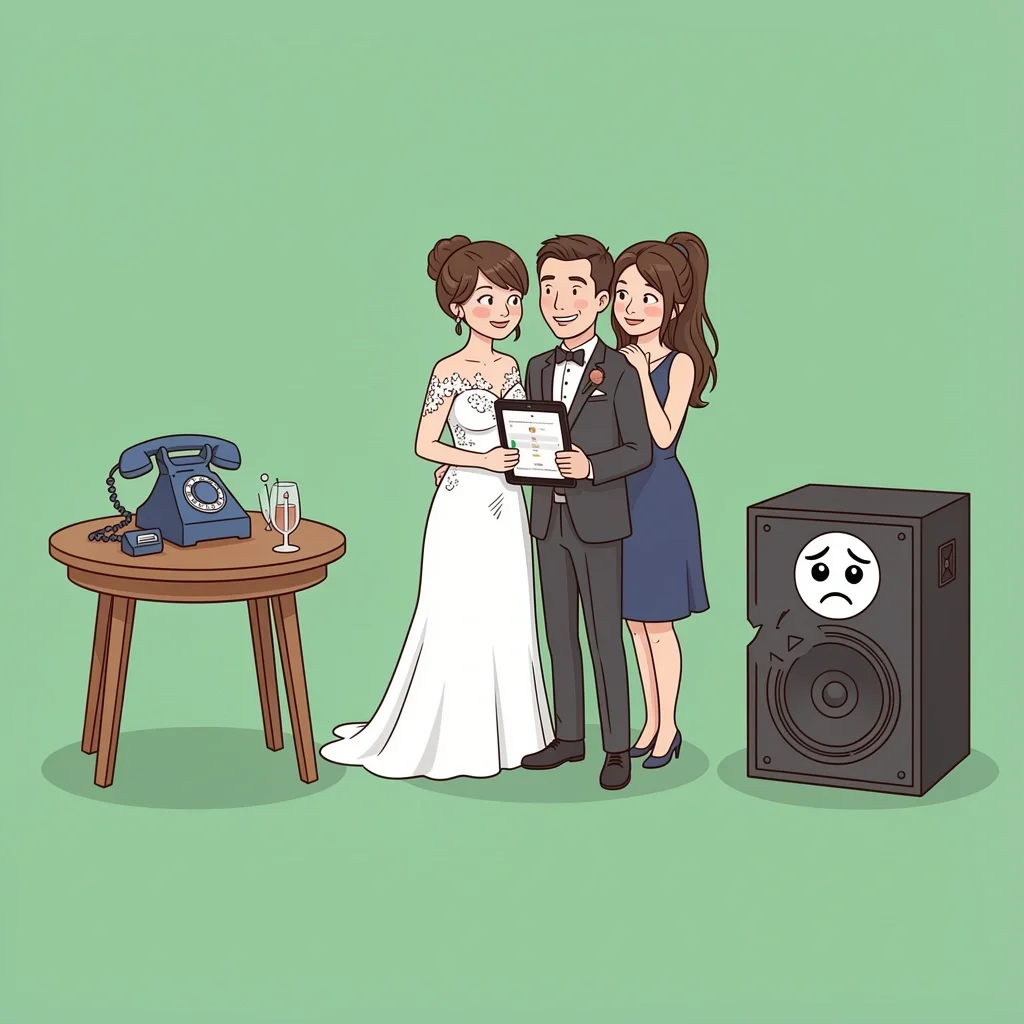
Real disasters from real weddings. Learn from them.
- Spotify commercial during first dance. The couple used a free account. Midway through their song, an ad for a car dealership blared. Solution: use a premium account or buy the songs outright.
- Phone rang during the processional. The music operator forgot to put the device on airplane mode. A call came in and the processional song stopped. Solution: airplane mode + do not disturb.
- Guest changed the playlist. Someone grabbed the iPad and started playing “Despacito” during dinner. Solution: lock the device and disable guest mode on your music app.
- Officiant’s mic died. The battery was old. Solution: use fresh batteries and carry spares. Test before every ceremony.
- Playlist was too short. The dinner playlist looped after 30 minutes. Solution: build at least 3 hours of music for each segment.
Legal Fine Print
You might not know this: Spotify, Apple Music, and Amazon Music prohibit public performance in their terms of service. A wedding reception is considered a public performance if it is held at a commercial venue. Most venues have a blanket license from BMI or ASCAP that covers recorded music, but you need to check. If the venue requires proof, you cannot rely on a streaming service.
Workarounds: purchase the songs you need from iTunes or Amazon MP3, use a licensed DJ pool (like DJcity or Beatport), or rent a jukebox service that includes the license. For a private wedding at home or in a backyard, enforcement is unlikely, but it is worth knowing.
Frequently Asked Questions
Can I use my phone as the music source?
Yes, but it is risky. Your phone is also your camera, planner, and emergency contact. If it gets a call or notification, the music stops. Use a dedicated device like an old phone or tablet. Put it on airplane mode and download everything.
How do I handle the father-daughter dance without a DJ?
Have your MC announce it: “The couple invites everyone to the dance floor for a special moment between the bride and her father.” Then the music operator starts the song. Simple.
What if I want a live band but cannot afford one?
Consider a solo musician for the ceremony (a guitarist or pianist) and use a playlist for the reception. That gives you a live element without the full cost.
Do I need a sound license for a wedding?
In most countries, a private wedding at a home does not require a license. For a commercial venue, the venue usually holds the license. Ask them directly. If they say no, you may need to purchase a temporary license.
How do I keep guests from changing the playlist?
Lock the device. On an iPad, use guided access mode. On a phone, password-protect the music app. Let everyone know that the playlist is off-limits.
What is the best walk-out song for a wedding?
Choose something upbeat and recognizable. Popular options include “Signed, Sealed, Delivered” by Stevie Wonder, “Happy” by Pharrell, or “You Make My Dreams” by Hall & Oates. Test it at the venue to make sure the energy matches your crowd.
Organizing wedding music without a dj is not simpler than hiring one. But it gives you control over your budget and your vibe. The key is to treat it like a project: assign roles, test everything, and plan for failure. Do that, and no one will notice the DJ is missing.