

If you are planning a wedding right now, you already know the feeling. Your phone buzzes every few minutes. Someone asks a question that was answered yesterday. Two people are arguing about the color of the bridesmaid dresses. And one person has not replied to anything in three weeks. Wedding party communication can turn a group of close friends into a source of stress faster than anything else.
I have been on both sides of this. I planned my own wedding, and I have stood up in enough of them to know exactly what works and what does not. The single most important principle is this: treat your wedding party like a team with a shared mission, not a bunch of volunteers you have to chase. When you set that foundation, everything else falls into place. Here are the strategies that actually work.
Why Group Chats Fail (and What to Do Instead)
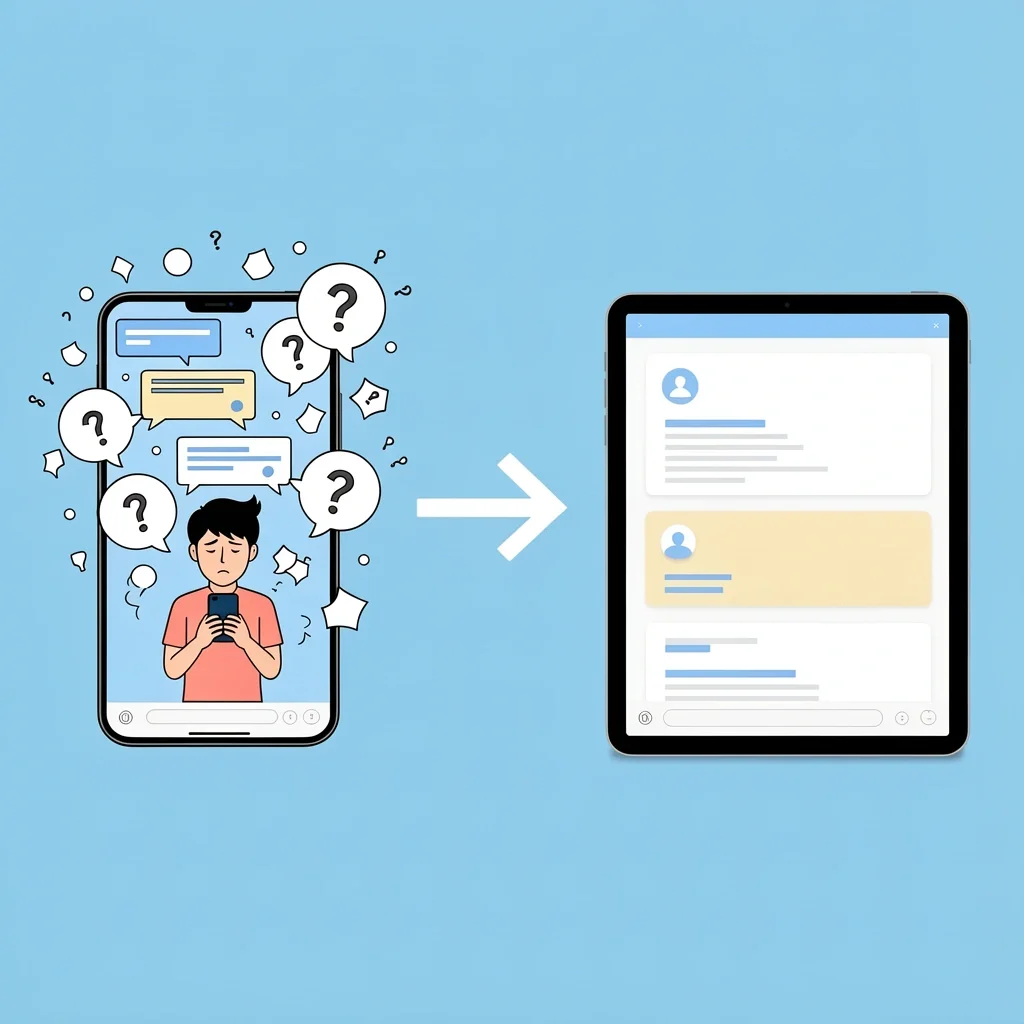
Most couples start with a group text. It seems easy. But group texts create three problems. First, information overload. Every random thought pops up, and people stop reading. Second, anxiety. Some people feel pressure to respond immediately, so they stay quiet. Third, FOMO. Different schedules mean some people are left out of the loop.
The fix is simple: choose one primary channel and make it intentional. That channel should be something people can check when they have time, not something that demands instant attention. A Facebook Group or a Slack workspace works better than a text thread. And you need to set ground rules from day one. For example, “This group is for wedding updates only. For casual chat, we have a separate channel.”
Your Communication Toolkit: From Group Chats to Shared Dashboards
Different tools work for different groups. Here is a quick comparison of what I have used and what I have seen work for other couples.
| Tool | Best For | Drawback |
|---|---|---|
| Facebook Group | Posting long updates, polls, and files. Everyone can see the full history. | Some younger users have abandoned Facebook. Requires a login. |
| WhatsApp Group | Quick updates and casual chat. Most people have it. | Notifications can be overwhelming. Hard to search past messages. |
| Slack or Discord | Multiple channels for different topics (dresses, schedule, bachelorette). Easy to search. | Some people are not familiar with the interface. One more app to download. |
| Notion or Trello | Assigning tasks, sharing checklists, and tracking deadlines. | Overkill for a small group. Needs a learning curve. |
| Shared Google Calendar | Keeping everyone aware of dates, times, and locations. | Does not replace a conversation channel. Use it as a supplement. |
For most groups, I recommend a Facebook Group as the main hub, paired with a shared calendar. If your group is already active on Slack, use that. The key is to pick one primary tool and stick with it.
The Communication Cadence: What to Say, When, and Through Which Channel
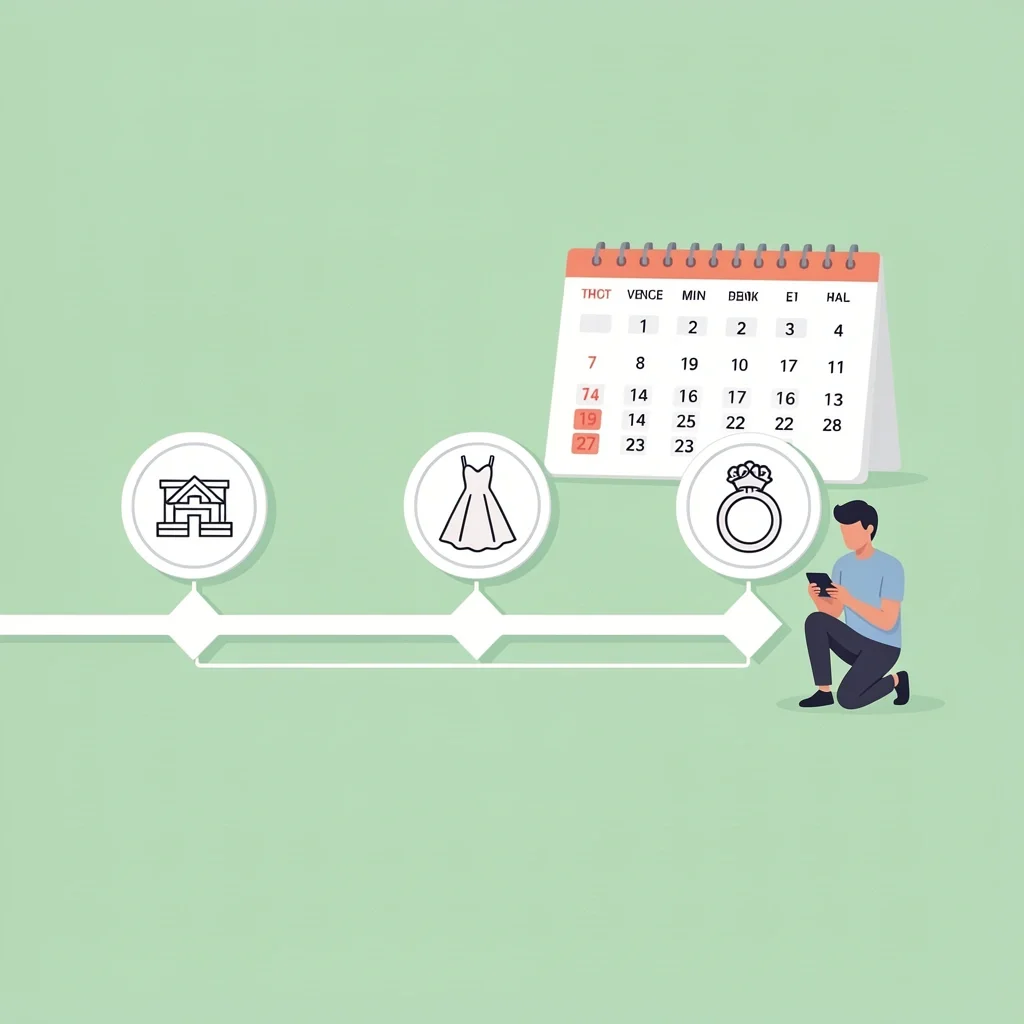
Do not start sending updates every day. You will burn everyone out. Instead, break the timeline into phases and set a rhythm.
Early planning (6–12 months out): Send one monthly update. Share major milestones: venue booked, date set, wedding party roles confirmed. Ask for feedback on things like color schemes or hashtags. Keep it light.
Milestone months (3–6 months out): Increase to bi-weekly updates. Include dress or suit deadlines, travel plans, and bachelorette party coordination. Use polls to make decisions fast.
Two weeks before the wedding: Send a detailed weekly update. Include the full timeline, contact list, and any last-minute instructions. Attach a one-page PDF summary.
The week of the wedding: Use a single dedicated channel (like a WhatsApp group) for real-time logistics. Keep the main group for non-urgent messages.
One thing that saved me: a “monthly highlight” post. I would write a short paragraph with bullet points of what was accomplished and what was coming next. People could skim it and feel informed without reading a novel.
The Money Talk: How to Set Budgets and Expectations with Grace
Money is the most awkward topic for most couples. But it does not have to be. The secret is to bring it up early, clearly, and with no pressure.
When you ask someone to be in your wedding party, say something like: “I would love for you to stand with me. Here is what I am thinking for costs: dresses will be around $150, and we will plan a weekend bachelorette trip that we can keep flexible. If that does not fit your budget, please tell me now – no hard feelings.”
That upfront honesty sets the tone. People appreciate knowing what they are signing up for. And if you worry about sounding demanding, you are not. You are being respectful of their time and money.
Myth: You Can’t Ask for Money – Reality: You Can, If You Do It Right

Many people think asking for contributions is rude. The reality is that silence causes more stress. When you avoid the topic, people feel guilty or resentful. Instead, offer a range of options. For example: “We are thinking about a bachelorette weekend. We found a cabin that is $200 per person. If that is too much, we can do a local dinner instead. Let me know what works for you.”
Always say “It is totally fine if this does not work for you.” And mean it. When you give people a graceful way to say no, they are more likely to stay engaged and happy.
The Hard Conversations: When a Member Goes Silent or Steps Out of Line
You have a bridesmaid who has not replied to any messages in three weeks. Or a groomsman who keeps making jokes that rub people the wrong way. What do you do?
First, do not solve it in the group chat. That public shaming damages relationships. Instead, send a private, gentle message. Something like: “Hey, I noticed you have been quiet. I just want to check in – are you okay? I know life gets busy, and I want to make sure you feel supported.”
If the issue is bigger – maybe they cannot commit to the role – you need to offer an exit. Say: “I know being in the wedding party is a lot of commitment. If you need to step back, I will completely understand. You can still come to the wedding as a guest, and I will never be upset.”
Most people will appreciate the kindness. And if they do choose to step down, it is better for everyone than dragging along a reluctant member.
The Psychology of Group Dynamics: Why Your Best Friend Might Be Silent
Non-response is rarely about disinterest. It is usually about anxiety or overwhelm. Your friend might be afraid of saying the wrong thing. They might be worried about their budget. They might be dealing with personal stress that they do not want to dump on you.
Here is what helps: create a “no pressure to reply” channel. Use polls for quick decisions so people can click a button instead of writing a message. And assign a co-leader – your MOH or best man – to check in privately with each member once a month. That person can catch problems before they turn into drama.
The Final Countdown: A One-Page Communication Plan for the Wedding Weekend
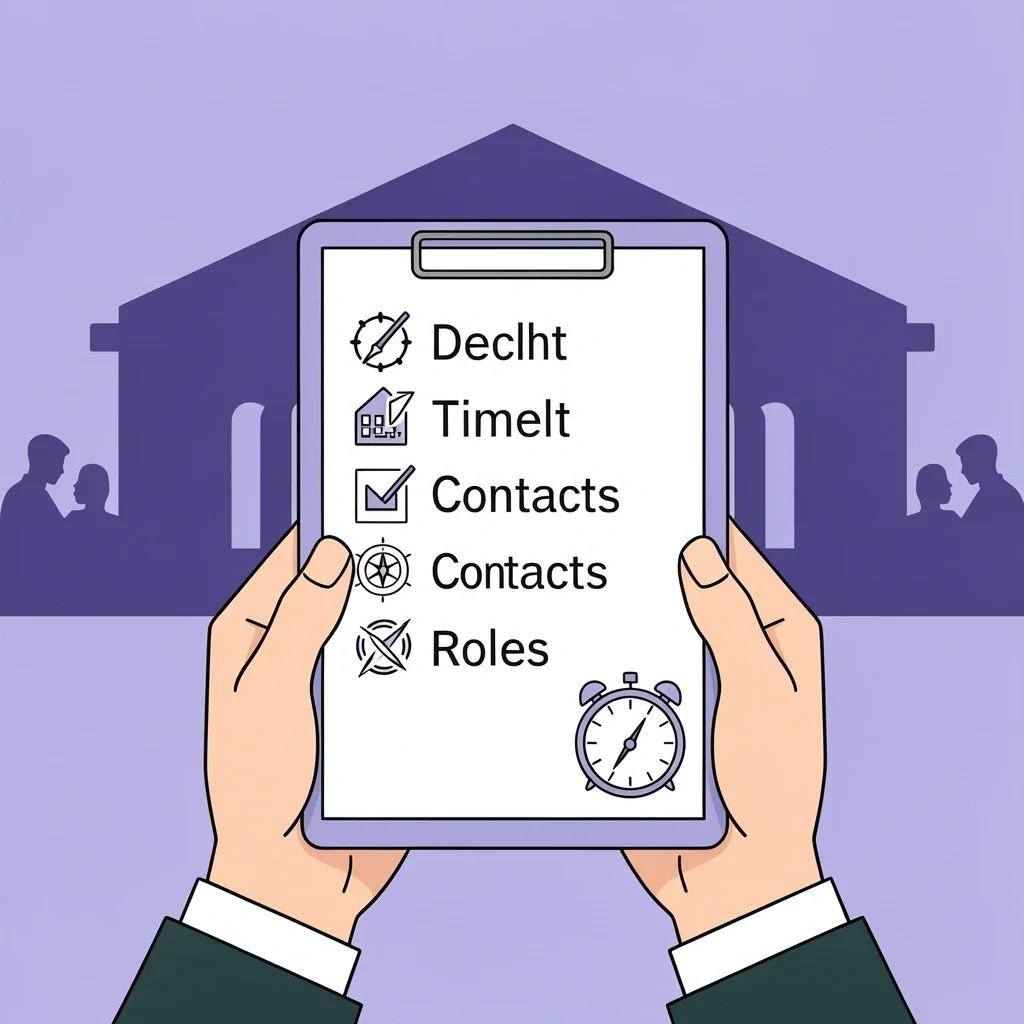
When the wedding weekend arrives, you should not be sending messages every hour. Everything should be on one sheet of paper. I printed this out and gave a copy to each member at the rehearsal dinner.
For guests, knowing the basics of being a good wedding guest can make the entire weekend smoother for everyone involved.
Include: the full timeline (when and where to be), contact numbers for the couple, the wedding planner, and each vendor, a list of who is responsible for what (who brings the decor, who wrangles the grandparents, who has the emergency kit), and a note about the best way to reach you (text only, no calls).
Make sure everyone knows that the day of the wedding, you are not checking your phone. Your co-leader handles all logistics. You just enjoy the day.
For the Crazy Organized: Using a Project Management Tool for Your Wedding Party
If you have a large wedding party or you love checklists, try a tool like Trello or Notion. I used Trello for my own wedding, and it saved me from repeating myself a hundred times.
Create a board with lists: To Do, In Progress, Done. Add cards for each task – order the dress, book the hotel, choose the playlist. Assign each card to a person and set a due date. Everyone can see who is doing what, and you never have to ask “did you get that done?”
Set up a shared Notion database for RSVPs, meal preferences, and song requests. It keeps everything in one place and is searchable. For the less tech-savvy members, you can still use the main group chat for updates, but the project board becomes the source of truth.
Frequently Asked Questions
Should I have separate chats for bridesmaids and groomsmen?
Only if you need to discuss gender-specific logistics, like dress fittings versus suit rentals. Otherwise, keep one main group for unity. You can create a second optional chat for logistics if needed.
What if my wedding party members don’t know each other?
Use icebreaker prompts in the first week. Ask each person to share a fun fact or a favorite photo. Encourage a casual group video call so everyone can put a face to a name.
How do I ask someone to step down from the wedding party?
Have a private conversation – in person or over the phone. Start with gratitude: “I am so glad you are part of this. I have noticed you seem really busy, and I want to make sure you are not stressed. If you would rather be a guest, I will completely understand and still love you.” Give them a graceful exit.
Is it okay to use a wedding email for party communication?
Yes, but only for formal updates that need to be archived, like vendor contracts or travel itineraries. The group chat remains necessary for quick Q&A and social bonding. Do not rely on email alone.
What should I do if a member ignores messages about money?
Send a gentle, private reminder. For example: “Hey, I know these money conversations are awkward. I just want to check if you are okay with the dress cost. No pressure if it does not work.” If they still do not respond, have your MOH or best man reach out. Never escalate publicly.