You want to tell people about your wedding date, but sending paper cards feels too slow or too expensive. Facebook is where most of your guests already scroll every day. The problem is that just posting a photo with the date often gets lost in the feed. You need ideas that actually work inside Facebook’s system. I have used Facebook for my own save-the-date, and I have helped friends do the same. Here is what actually gets seen and gets replies.
Most guides will show you design templates from Canva. That is helpful for making a pretty image. But the real question is what to do with that image on Facebook, when to post, and how to write the caption so people respond. This article covers all of that. You will walk away knowing exactly what to post, no matter your budget or design skills.
Pick the Right Format for Your Guest List
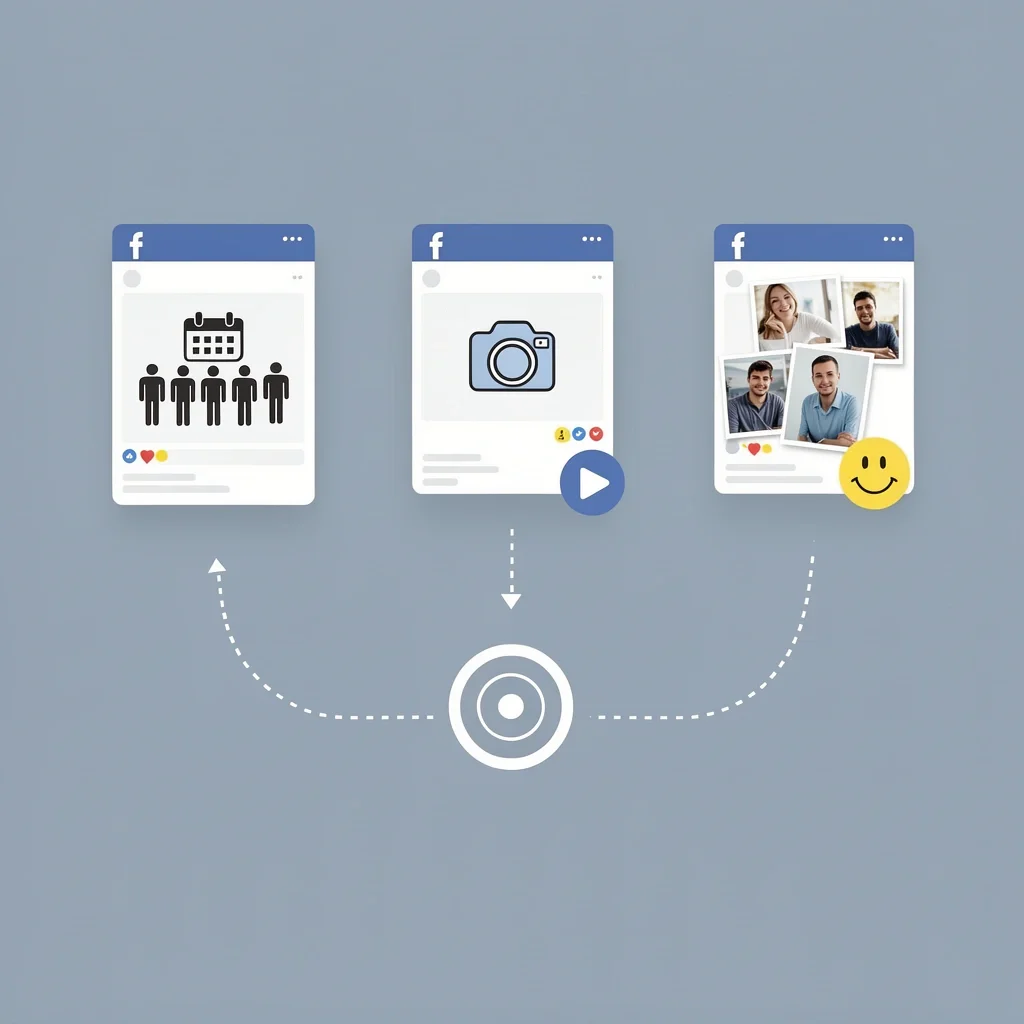
Facebook gives you three main ways to share a save the date. Each works best for different situations. You do not need to pick just one. In fact, the best move is to use two of them together.
| Format | Best For | What You Get |
|---|---|---|
| Event Page | Large guest lists, formal invites, RSVP tracking | One place for all updates. Guests click “Going” and get reminders. |
| Wall Post or Story | Casual sharing, quick announcement, engagement photos | Shows up in friends’ feeds. Easy to tag your partner. |
| Photo Album Reveal | Multiple photos, engagement story, timeline of the proposal | Keeps people scrolling. Album stays on your profile. |
Here is how to combine them: create an Event page first. Then share a post or Story that links to the event. That way people see your announcement and can immediately RSVP. I did this for my wedding. About 70% of my guests RSVP’d within the first week because the Event page made it easy.
Creative Ideas That Work Inside Facebook

You need ideas that fit how people actually use Facebook. Not every design looks good inside a small screen. Here are formats that stop the scroll.
Video with Text Overlay
Facebook autoplays video without sound. Your first three seconds must work silently. Use a short clip of you and your partner smiling, then add the date as large text. Keep the whole video under 15 seconds. I used a 10-second clip from our engagement shoot. The text said “October 14, 2026 – Save the Date!” in a bold font. More than 500 people saw it without me paying a cent because Facebook prioritizes native video.
Photo Collage with a Countdown
Use a collage of three photos: one of you two, one of the venue (if you have it), and one of a calendar page with the date circled. Facebook’s algorithm likes posts with multiple images because people tend to swipe through them. Write the caption as a countdown: “246 days until we say I do. Click the event link to let us know you’re coming.”
Facebook Story with Stickers
Stories disappear after 24 hours, so use them as a teaser. Post a Story with your engagement photo, add the “Date” sticker, and type the date. Then add a “Countdown” sticker that shows days until the wedding. People can click the countdown to get a reminder. This works best for close friends and family who already follow you.
Text-Only Post for Non-Designers
You do not need a fancy graphic. A simple text post can work. Here is the formula I recommend:
- First line: excitement (e.g., “We finally picked a date!”)
- Second line: the date and location
- Third line: call to action (e.g., “Save it on your calendar and click the event link below to RSVP”)
Tag your partner and a few close friends so the post appears in their notifications. This gets more comments, which tells Facebook to show the post to more people.
When and How to Post on Facebook
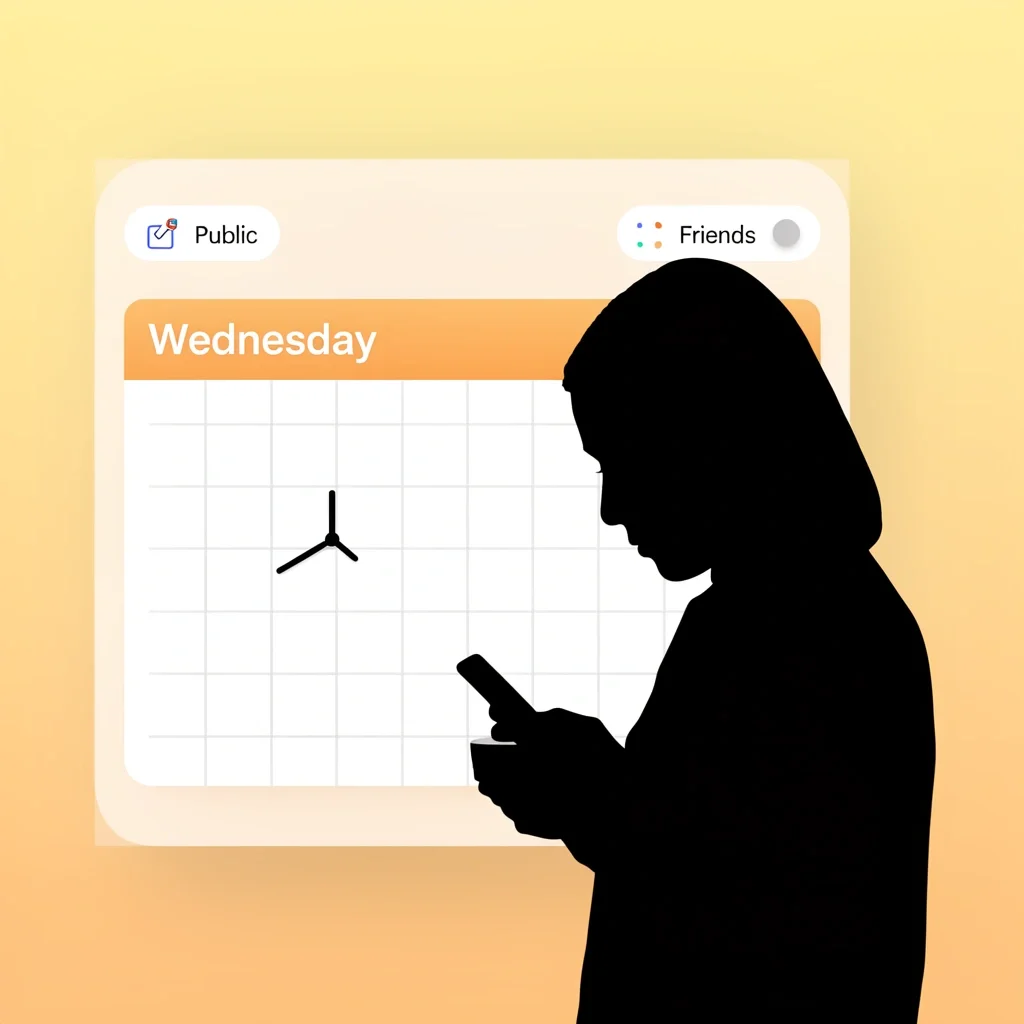
Timing matters more than the design. Post on a Wednesday or Thursday evening around 7 PM local time. Avoid Friday nights – people are out or checked out. Sunday mornings also work because people scroll while having coffee.
Set your privacy to “Public” if you want distant friends and coworkers to see it. Use “Friends” if you only want people you know. But remember: if your event page is set to “Private”, only invited guests can see it. That can be fine if you control the invite list.
Tag your partner in the post, but do not tag every single guest. That annoys people and feels spammy. Instead, share the post to your wedding group or a Facebook Messenger group for invited guests.
What to Do with “Maybe” Replies
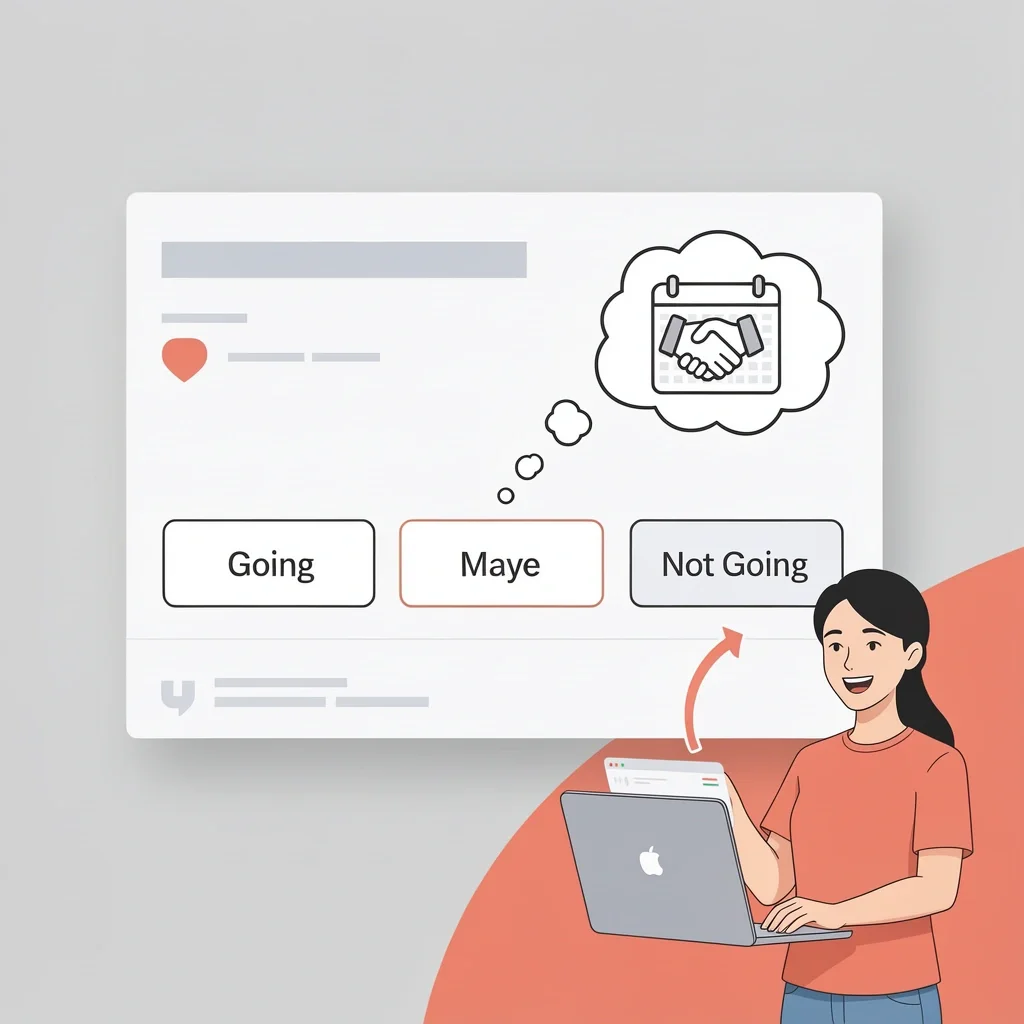
On the Event page, many guests will click “Maybe” because they are not sure yet. Do not panic. Send them a friendly private message a month before the RSVP deadline. Say something like “No pressure, but we need a final count soon. Let us know if you can make it.” That works better than a public comment.
The Algorithm Reality: Why Some Posts Get Seen and Others Do Not
Facebook does not show your post to all your friends. The algorithm prioritizes posts that get quick reactions. Here are three tricks to increase reach:
- Post a native video (uploaded directly, not a link from YouTube). Facebook shows native videos to more people.
- Ask a question in the caption that encourages comments. Example: “Who else remembers when we first met at that BBQ?”
- Reply to every comment in the first hour. Each reply counts as engagement and pushes the post higher in feeds.
If you have a small wedding and only need 50 guests, organic reach is enough. For larger weddings where you need responses from 100+ people, consider a small Facebook ad. Spend $20 to boost the post to people who live in your city and are aged 20–40. That reaches guests you might have forgotten to invite personally.
Hybrid Approach: Use the Same Design for Print and Facebook
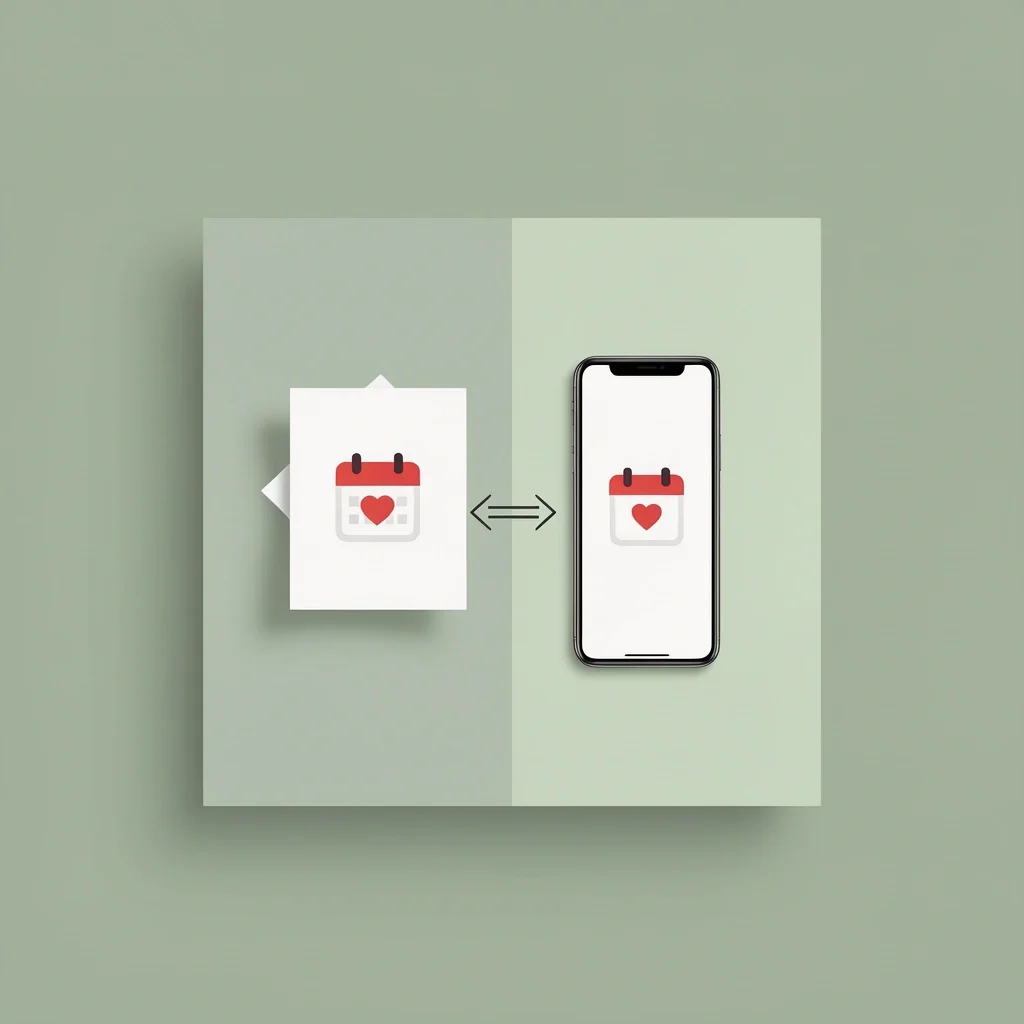
Some of your guests still want a physical card, like grandparents or aunts who do not use Facebook. You can design one graphic that works for both. Use a square format (1080×1080 pixels). That prints nicely as a magnet or postcard, and it fits perfectly in a Facebook feed.
When you share the square image on Facebook, add a text caption with the full details. The image itself should have only the date and maybe your names, not a paragraph of text. That way it looks clean on a phone screen and still makes sense as a printed card.
I designed one square graphic with our photo and the date. I ordered a few prints for older relatives. Then I posted the exact same image on Facebook with a caption that included the venue and RSVP link. It was one hour of work to cover everyone.
Frequently Asked Questions
Can I post a save-the-date if we haven’t set a firm date yet?
Yes. Say something like “Pick a date for us! We are thinking June or July 2026.” Share a poll in your post. People love to vote. Then announce the final date later.
Should I post on my profile, my partner’s profile, or both?
Both. Post on your profile first, then your partner shares that same post. That doubles the reach without looking spammy. Just make sure both of you tag the event page.
How do I avoid offending guests who prefer paper invitations?
Send a physical card to anyone who does not use Facebook. For everyone else, make it clear that the Facebook event is the official save-the-date. You can still mail formal invitations later. Most people under 50 are fine with digital.
Can I edit a Facebook Event after posting it?
Yes. You can change the date, time, location, and description anytime. Attendees will get a notification about the change. Just do not change the date too often or people will get confused.
What if grandparents aren’t on Facebook?
Print a few copies of the same design and mail them. You can also ask a family member who uses Facebook to print the event details for them. That keeps everyone included without extra work.
Should I create a separate wedding Facebook page?
No, unless you are having a very large wedding (200+ guests) where you need to share updates over many months. An Event page inside your normal Facebook profile is enough for most weddings. A separate page requires people to follow it, which adds friction.
How do I handle guests who don’t RSVP on the event page?
Send a private message one week before the deadline. Say “Hey, we are finalizing numbers. Can you click yes or no on the event page? Thanks!” Works 9 out of 10 times.
Is it okay to post engagement photos as the save-the-date without text?
Not ideal. People need to see the date quickly. If you post only a photo, most people will just scroll past. Add text overlay or a caption that clearly states the date and call to action. Otherwise your save the date on facebook ideas just becomes another engagement photo.
Now you have everything you need. Pick a format, use the caption formula, post at the right time, and watch your guests respond. You do not need a design degree or a big budget. You just need to follow these steps.