
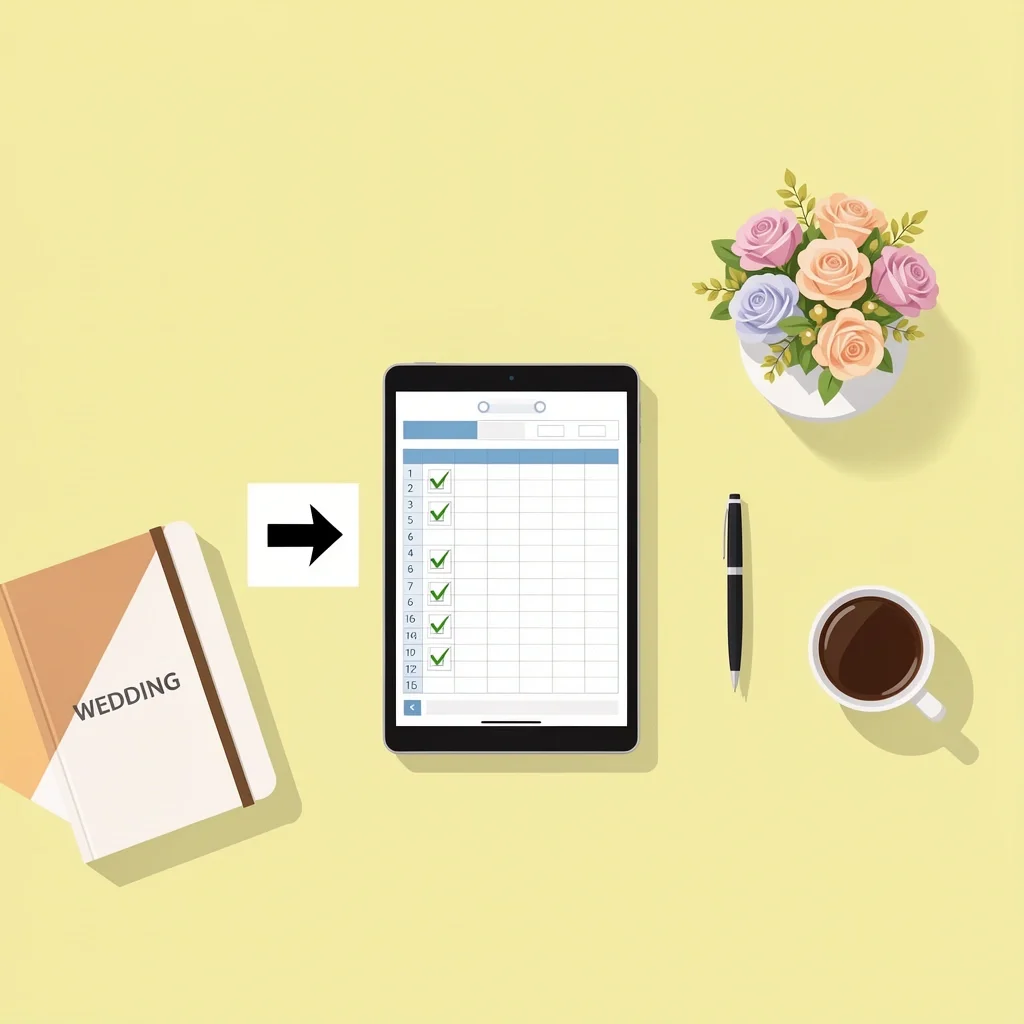
A wedding planning template is a structured framework — a checklist, spreadsheet, or project board — that organizes tasks, timelines, budgets, and contacts. Without one, you juggle sticky notes, random emails, and forgotten deadlines. With one, everything lives in one place. The ideal template depends on your wedding’s size, complexity, and your personal planning style. After testing several options myself, the best free ones live in Google Sheets, Notion, and Asana. Each serves a different type of planner. Let me walk you through how to pick the right one and make it work.
Why Use a Wedding Planning Template?

Planning a wedding is like running a small project with a hundred moving parts. Venue tours, vendor calls, dress fittings, guest lists, budget tracking — it all piles up fast. I remember talking to a friend who tried planning without any template. She ended up double-booking the florist and the photographer on the same afternoon. A good template prevents that chaos. It gives you a single source of truth for every task, due date, and contact. You stop worrying about what you forgot and start focusing on what matters.
What Are the Main Types of Wedding Planning Templates?
Not all templates are created equal. You have three main flavors, each with its own strengths.
| Type | Best For | Pros | Cons |
|---|---|---|---|
| Digital spreadsheet (Google Sheets, Excel) | Budget lovers and number-crunchers | Free, flexible, automatic calculations, shareable | Needs basic spreadsheet skills, can get cluttered |
| Project management tool (Asana, Trello, Notion) | Task-oriented teams | Assign tasks, set dependencies, track progress | Learning curve, some features require paid plan |
| Printable planner (PDF, physical notebook) | Offline or tactile users | No screen needed, satisfying to write by hand | No automatic updates, hard to share with vendors |
I personally use a hybrid: a Google Sheets master budget and an Asana board for task management. It gives me the best of both worlds. But you might only need one. Let’s figure out which.
How to Match a Template to Your Wedding Size and Style
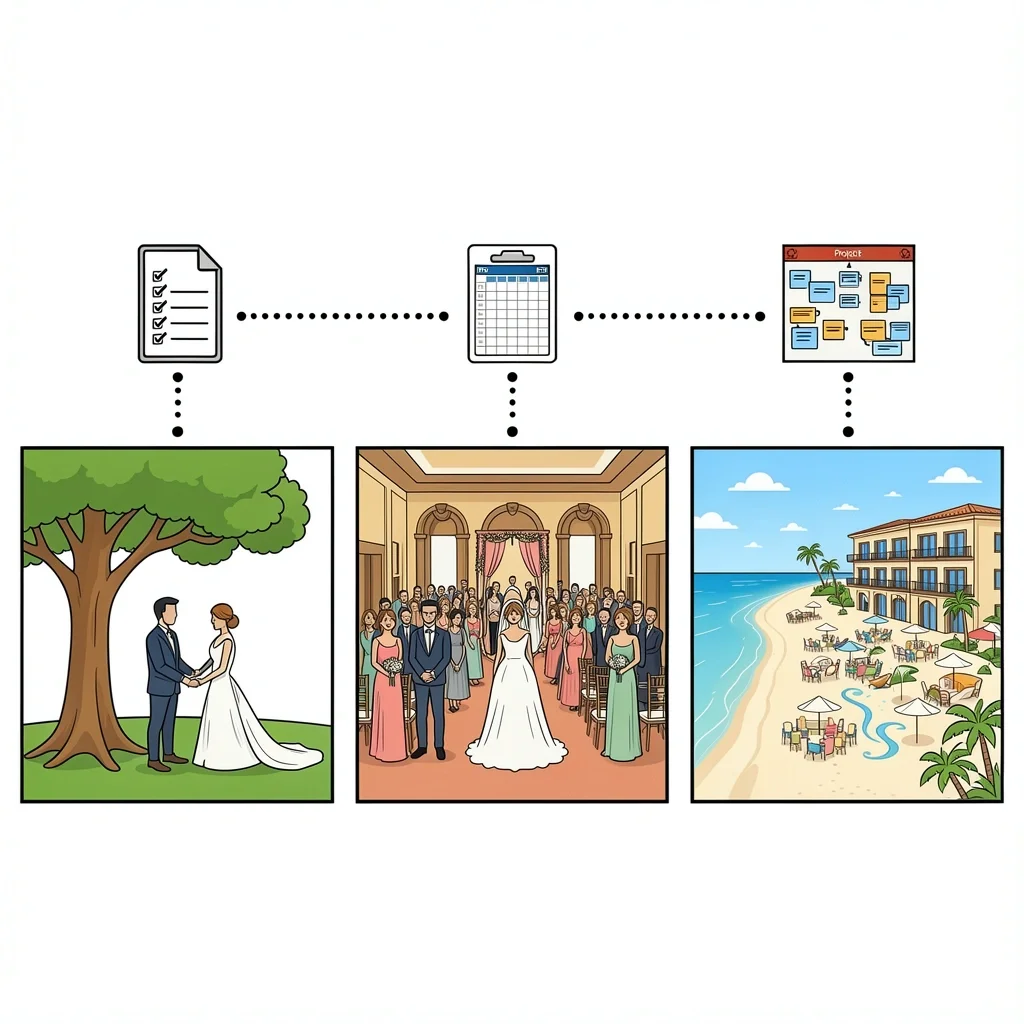
The right template changes based on the scale of your event. Here’s how I break it down from experience.
Micro-Weddings (Under 20 Guests)
You don’t need a massive vendor manager. A simple checklist in Google Docs or a printable PDF will do. Focus on permits, the ceremony location, and a photographer. Keep it lean. Anything more is overkill.
Traditional Weddings (50 to 150 Guests)
This is the sweet spot for a full spreadsheet or a project board. You need budget tracking, a guest list with RSVP status, vendor contact details, and a timeline. Google Sheets templates from The Budget Savvy Bride or the free Asana template from the Asana community work great here.
Destination or Multi-Day Events
When travel and hotel blocks enter the picture, you need a central timeline that coordinates flights, room blocks, welcome parties, and the main event. Notion is my top pick for this because you can embed maps, links, and countdowns all in one page. The Asana template mentioned in the community forum also handles multiple event days well.
I also help clients who plan cultural weddings with multiple ceremonies (like Indian or Nigerian weddings). For those, the best approach is a custom spreadsheet with separate tabs for each ceremony, each with its own vendor list and timeline. Don’t cram everything into one linear list.
Where to Find the Best Wedding Planning Templates
You don’t need to spend money to get a solid template. Here are my go-to sources.
- Free sources: Google Sheets template gallery, Canva (for printable designs), Notion’s template marketplace, and Asana’s community library. The Asana forum post I linked earlier shows a real couple who built a template so good their bridesmaids asked for copies. That’s the kind of resource you can clone for free.
- Paid sources: Etsy sellers, The Knot, WeddingWire. These often come with nicer designs and pre-populated formulas, but I’ve found that free templates are just as functional once you spend 10 minutes customizing.
Pro tip: Look for templates that include example data. A blank template is intimidating. One with sample names and dates shows you how to use it.
How to Customize a Wedding Planning Template for Your Needs
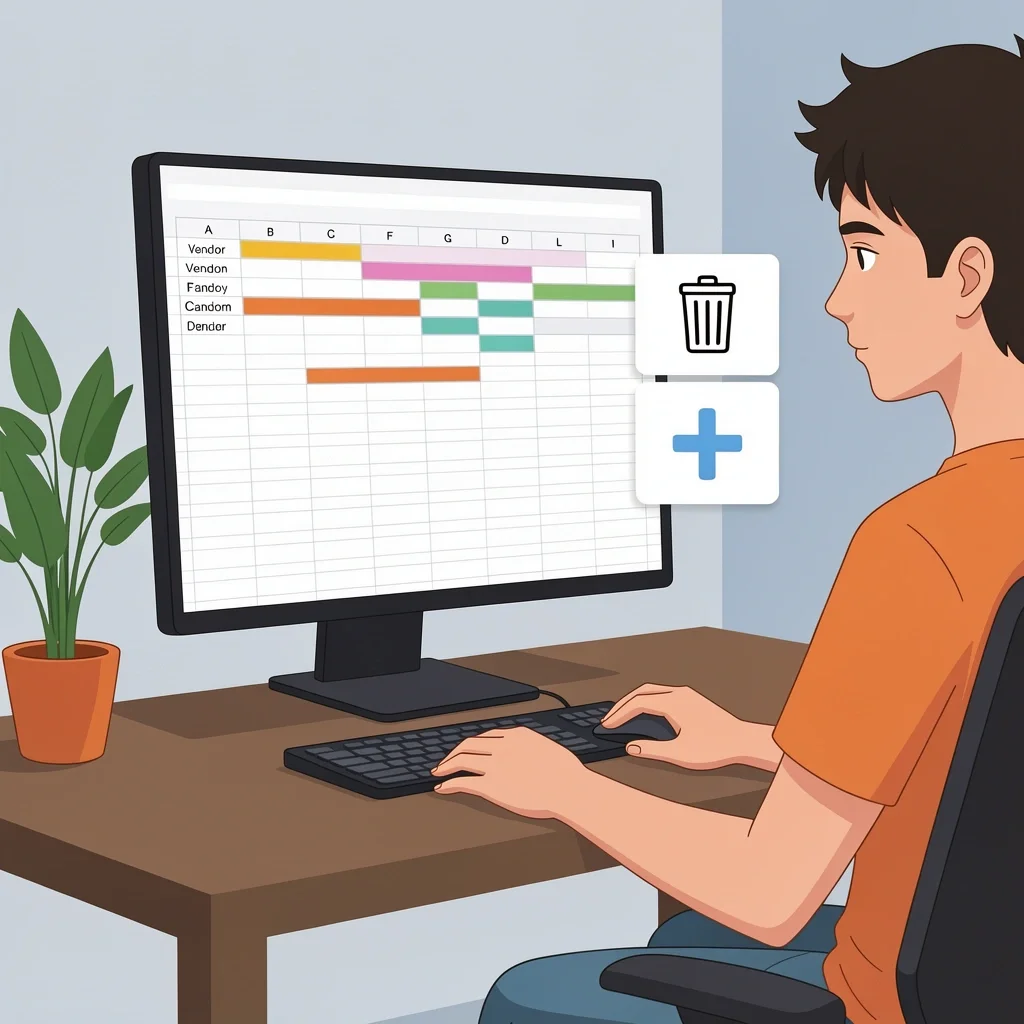
Downloading a template is only the first step. You have to make it yours. Here’s what I do every time.
Remove What You Don’t Need
Generic templates include categories for everything. If you’re not hiring a videographer, delete that row. Less clutter means less overwhelm. I also remove columns like “Notes” that I never fill in.
Add Your Specific Vendors
Make columns for each vendor you actually book: officiant, caterer, florist, DJ, photographer, photo booth. Add a column for their payment schedule: total cost, deposit paid, balance due, due date, and method of payment. I use conditional formatting in Google Sheets to turn the balance-due cell red when the date passes without payment.
Set Up Task Dependencies for Project Management Tools
In Asana or Trello, link tasks so that one can’t start before another finishes. For example, “Pick venue” must be done before “Book photographer.” This prevents you from ordering a dress before you even know the wedding date.
Create a Dashboard
If you use a spreadsheet, create a summary sheet that pulls data from your other tabs. Show total budget, amount spent, remaining, percentage of tasks completed, and upcoming deadlines. This single view keeps you from scrolling through all the details every week.
Advanced Optimization: Making the Template Work for You
Once you have a working template, push it further.
- Share with your partner and key vendors. Give view-only access to vendors so they can see timelines. Give edit access to your partner and maybe your wedding planner. I once had a bride who shared her spreadsheet with the venue coordinator — it saved hours of back-and-forth emails.
- Schedule a weekly review. Every Sunday, open your template for 15 minutes. Update statuses, check budgets, review the next week’s tasks. Treat it like a project stand-up.
- Use automation. In Google Sheets, you can set up email alerts when a deadline passes. In Asana, you can automate task assignments. Spend an hour setting this up early, and you’ll save ten hours later.
Common Mistakes When Using a Wedding Planning Template
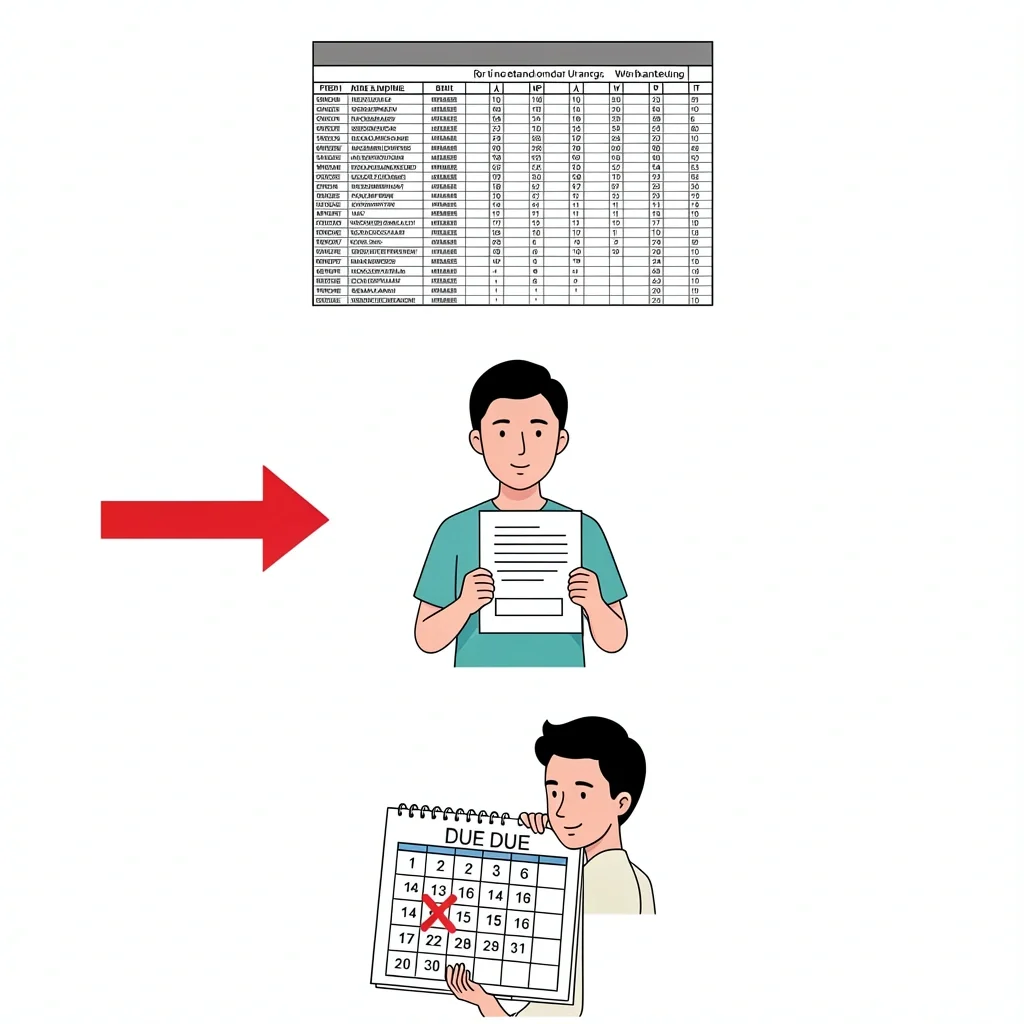
I hear these pitfalls from almost every couple I talk to. Avoid them.
Overcomplicating
You add columns for everything: dress color, shoe size, seating chart color codes. Soon you have 30 columns and you never look at most of them. Start simple. Add only what you need this week. Expand as the date gets closer.
Under-Using
Download the template, open it once, then never again. This is the most common mistake. If you hate spreadsheets, don’t force yourself to use one. Pick a printable checklist or a simple app. The best template is the one you actually open.
Ignoring Lead Times
Many templates list tasks in a simple checklist without indicating when each task should happen. A task like “Order wedding dress” should be done 6 to 9 months out, not 3 months. Modify your template to include a “months before wedding” column. Use that to schedule everything backward from the big day.
Myth vs. Reality: One Template Does Not Fit All
The most popular template on Etsy might not work for you. That’s okay. The reality is that your wedding is unique. An elopement needs a totally different structure than a 200-person banquet. A cultural wedding with multiple ceremonies needs separate sections for each event. A DIY wedding needs columns for rented equipment, volunteer schedules, and handmade items. Don’t be afraid to build your own from scratch if nothing out there matches. It takes an hour, but it will save you weeks of frustration.
Frequently Asked Questions
Can I use a wedding planning template with my partner collaboratively?
Yes. Google Sheets and project management tools support real-time collaboration. You and your partner can edit the same spreadsheet or board at the same time. Printable planners require sharing a physical copy or scanning pages.
What is the best free wedding planning template for Google Sheets?
Look for one with pre-built budget formulas, a guest list with RSVP tracking, and a timeline column. The template by The Budget Savvy Bride is a popular start. I also like the Google Sheets template from the official template gallery — it’s clean and easy to modify.
How do I track vendor payments in a template?
Add columns for total cost, deposit paid, balance due, due date, and payment method. Use conditional formatting to turn the balance-due cell red when the due date passes. That visual flag keeps you from missing a payment.
Are there wedding planning templates for Apple Numbers?
Yes, but fewer than Google Sheets. Search for “Numbers wedding planner” on Etsy or browse Apple’s template community. The structure is similar, so you can also import a Google Sheets template into Numbers if you convert it.
Can I create my own wedding planning template from scratch?
Absolutely. Start with a simple checklist on a single sheet. Add a separate tab for budget. Expand with a guest list and vendor contact list as you go. Building your own gives you total control, but it does take more time. If you’re comfortable with spreadsheets, I recommend it — you end up with exactly what you need.
My wedding planner has my complete trust. She was in charge of planning the wedding program, and I greatly appreciated everything that happened on that particular day. It’s fortunate that the staff at Victory North Savannah ) is likewise enthusiastic about making some immediate adjustments.
Wedding planners make all the difference!